
"Ask a question"
Objective
The 'Ask a Question 🪄 ' flow in the Trust Center allows customers and vendors to raise security, compliance, or privacy-related queries directly within the platform, reducing back-and-forth emails and ensuring consistent responses.
Actors/Stakeholders
- End-user (customer/vendor) – asks the question.
- Trust Center AI / Knowledge Base – auto-suggests answers.
- Internal Owners (Security/Legal/Privacy teams) – respond when KB can’t.
Step-by-Step Flow
-
User visits Trust Center and navigates to 'Ask a Question'
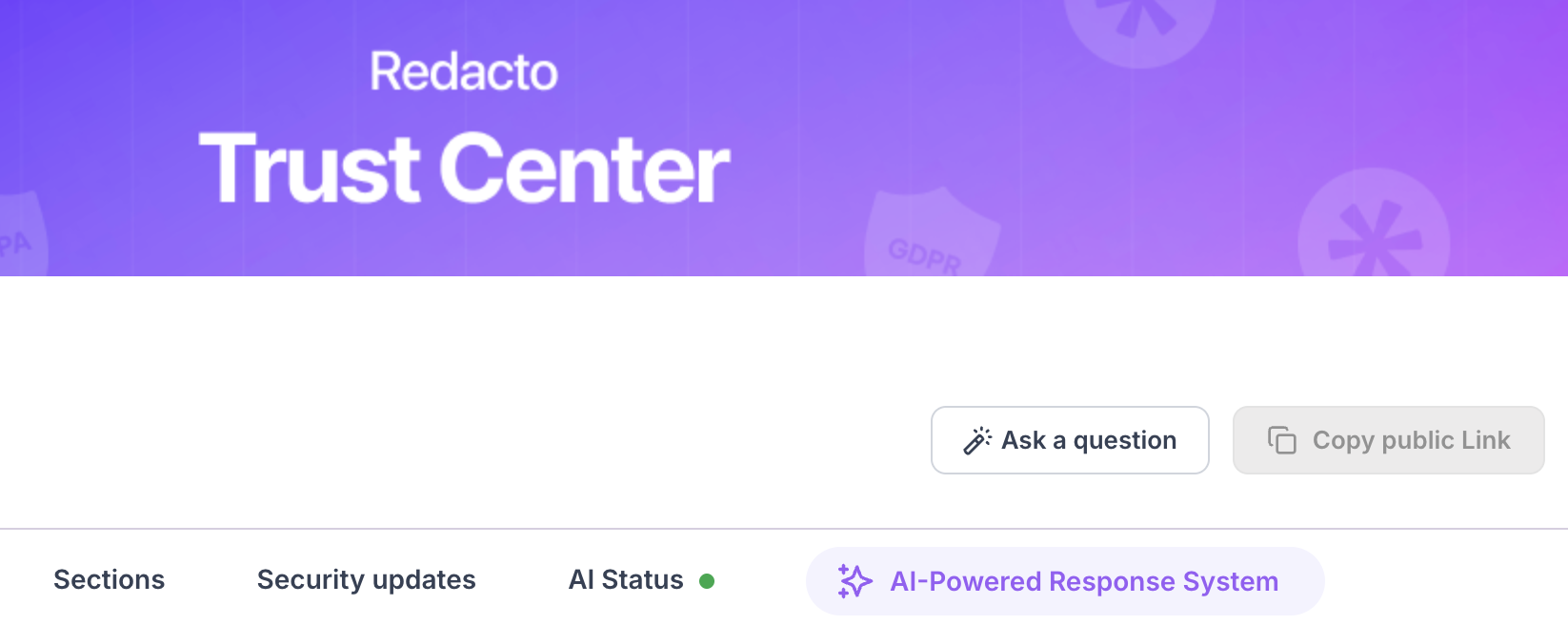
Navigate to Ask a question'
-
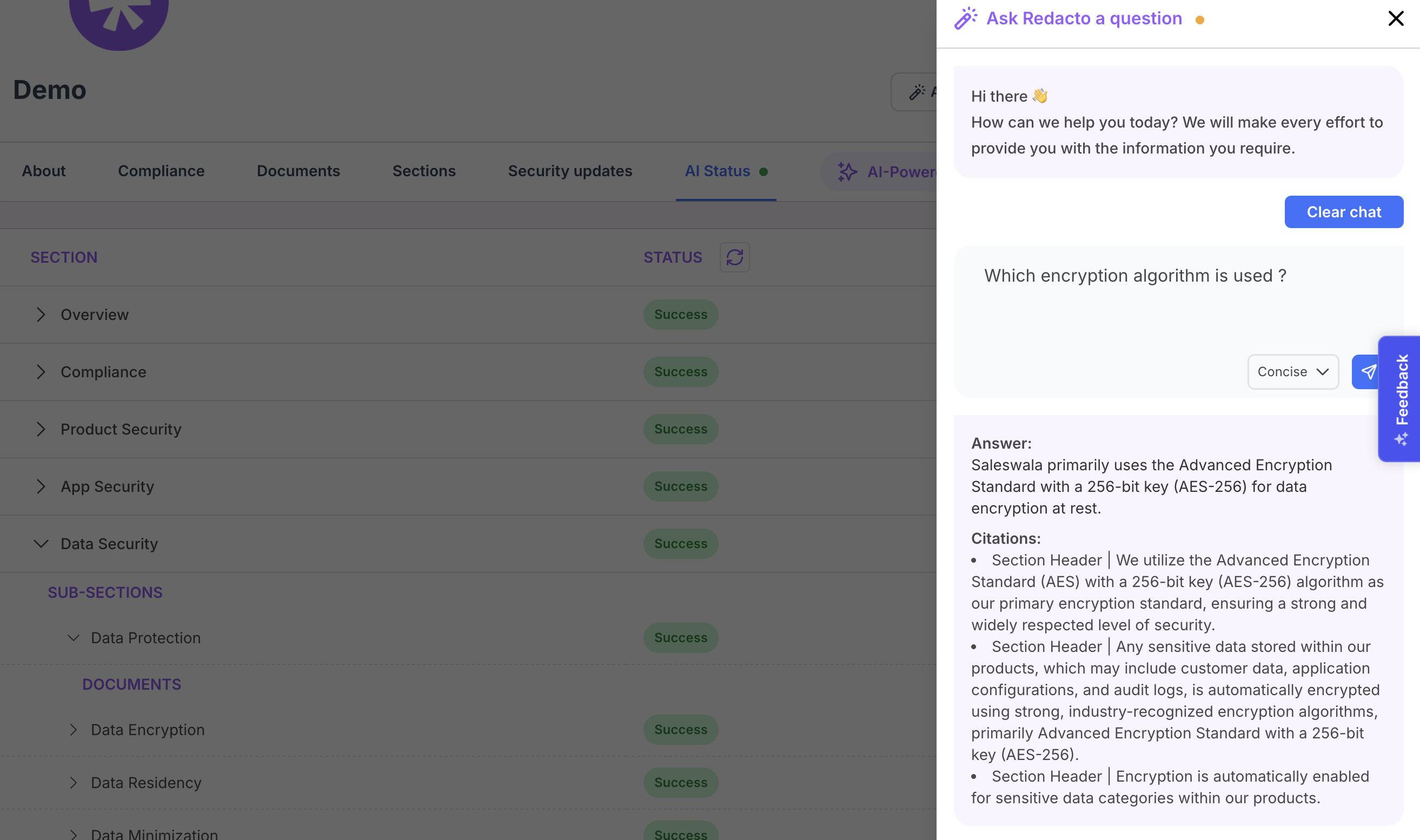
When a user clicks Ask a Question, a text box appears to enter the query. Before submitting, users can choose their preferred response style — Concise, Normal, or Explanatory — to receive answers at the level of detail they need. This ensures flexibility and tailored responses for every stakeholder.
-
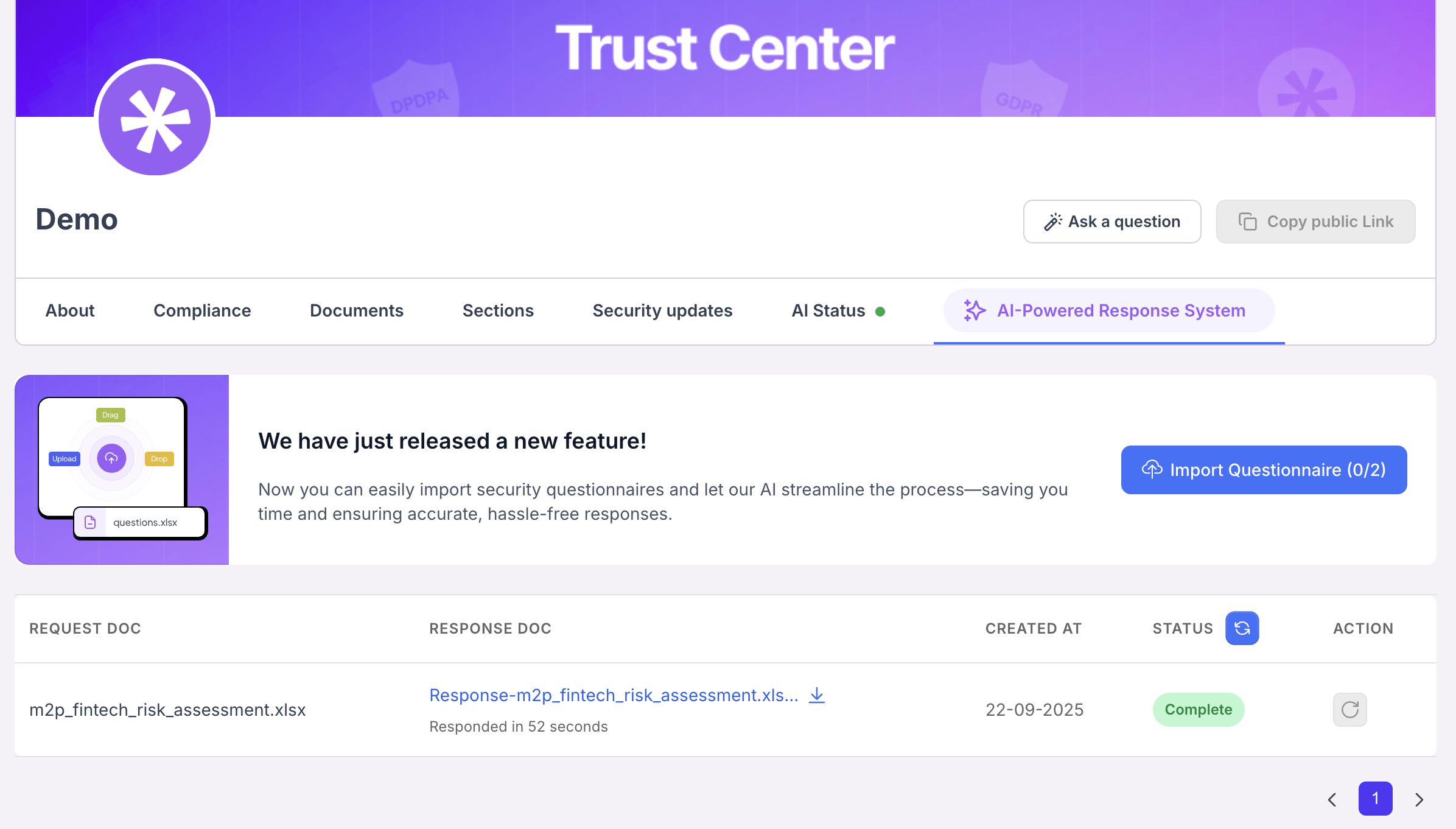
In the AI-Powered Response System, users can easily import security questionnaires for automated responses. A reference Excel template is available for download, containing a column of questions with empty fields for answers. Once uploaded, the AI processes the file and generates responses. Users can also select their preferred answer style — _Concise, Normal, or Explanatory _— ensuring flexibility and accuracy based on the level of detail required.
Updated 4 months ago